

The Best Quiet Wireless Keyboards for Office Use in 2026, Reviewed & Compared
Disclosure: As an Amazon Associate I earn from qualifying purchases. This page contains affiliate links. If you buy through them we may earn a commission at no extra cost to you — it never affects which products we recommend. How we review
A quiet wireless keyboard solves a different problem than a mechanical board: you want soft, low-profile keys that will not carry across an open office or a video call, plus pairing that follows you between a laptop, a desktop, and a phone. The real differences are layout, battery type, and how reliably the wireless link holds up, not the switch feel.
These three picks cover the common cases. Logitech MX Keys is the polished premium option with backlighting and a metal body. The K585 is a full-size board with a number pad and a phone cradle at a much lower cost. Pebble Keys 2 K380s is the compact, travel-friendly choice. All three are Logitech; the cheaper non-Logitech boards we checked showed heavier reliability complaints in buyer feedback, so they did not make the list. If you prefer a mechanical feel, see the mechanical keyboard roundup instead.
Our top picks at a glance
- 1Logitech MX KeysBest Wireless Typing
- 2Logitech K585 Slim Wireless KeyboardBest Full-Size Value
- 3Logitech Pebble Keys 2 K380s KeyboardBest Compact Budget
The reviews
Logitech MX Keys
Logitech’s scissor-switch wireless keyboard with spherically dished keys, smart backlighting, and multi-device pairing for comfortable all-day office typing.
What we like
- Spherically dished scissor keys for quiet typing
- Smart proximity backlighting on a metal body
- Pairs with up to three devices; Flow cross-computer control
What to watch
- Not mechanical—different feel from tactile or clicky boards
- Mixed reports on backlight behavior and battery life
- Some marketplace listings omit cable or USB dongle
Best for: Low-noise wireless office typing, Multi-device laptop and desktop workflows, Comparisons against mechanical office boards
Logitech K585 Slim Wireless Keyboard
Logitech’s K585 is a slim full-size board with a number pad, low-profile keys the listing calls whisper-quiet, Bluetooth or USB receiver pairing, and a built-in cradle for a phone or small tablet.
What we like
- Slim full-size layout with number pad and twelve function keys
- Low-profile keys that the listing and reviewers describe as quiet
- Bluetooth or included 2.4 GHz USB receiver, with Easy-Switch between devices
What to watch
- Mixed reviewer reports on Bluetooth pairing and dropped connections
- Some owners report the keyboard stopped working over time
- Runs on replaceable batteries rather than a built-in rechargeable cell
Best for: Home offices that mix a desktop, phone, and tablet, Typists who want a number pad with quiet keys, Shared spaces where key noise matters
Logitech Pebble Keys 2 K380s Keyboard
Logitech’s Pebble Keys 2 K380s is a slim, portable Bluetooth keyboard with scooped round keys, one-key switching across three devices, and a battery the listing rates for up to three years.
What we like
- Slim, portable body with scooped round keys
- Pairs with up to three devices over Bluetooth with one-key switching
- Listing cites up to three years of battery life on the included batteries
What to watch
- Compact layout without a separate number pad
- Mixed reviews on Bluetooth stability and random disconnects
- No caps lock indicator, per reviewers
Best for: Travel and small desks, Switching between a laptop and a tablet, Smaller hands that like a compact layout
Compare these head-to-head
Frequently asked questions
Is MX Keys worth the price over a cheaper Logitech board?
MX Keys is a membrane-style board with a metal body, smart proximity backlighting, USB-C charging, and pairing for up to three devices, and reviewers praise the key feel. The K585 and Pebble Keys 2 cost far less, run on replaceable batteries, and do not advertise backlighting. Pay up for MX Keys if you type all day or work in dim rooms; otherwise the cheaper boards cover the basics.
Are low-profile wireless keyboards actually quiet?
Reviewers describe all three as quiet: K585 buyers mention a soft sound with no loud click, and Pebble Keys 2 owners say it types almost silently. MX Keys is built for long sessions with minimal noise. Quiet is relative, so treat these as soft rather than silent, and judge by how close your neighbors sit.
Which keyboard is best for switching between a laptop and a tablet?
MX Keys and Pebble Keys 2 pair with up to three devices, while the K585 uses Easy-Switch and adds a cradle for a phone or a tablet up to about ten inches. Reviewers on every model report occasional Bluetooth drops, so the USB receiver on the K585 and MX Keys is a useful fallback; Pebble Keys 2 is Bluetooth only.
Keep reading

Home Office Setup Checklist: 6 Upgrades in Order of Impact
First home office? Buy in this order—desk, chair, monitor, lighting, keyboard and mouse, then cable management—for the biggest comfort gain per dollar.

WFH Essentials for New Remote Workers: First-Month Checklist
New to working from home? Start with webcam, keyboard, mouse, footrest, USB-C dock, and basics that make video calls and daily typing less painful.
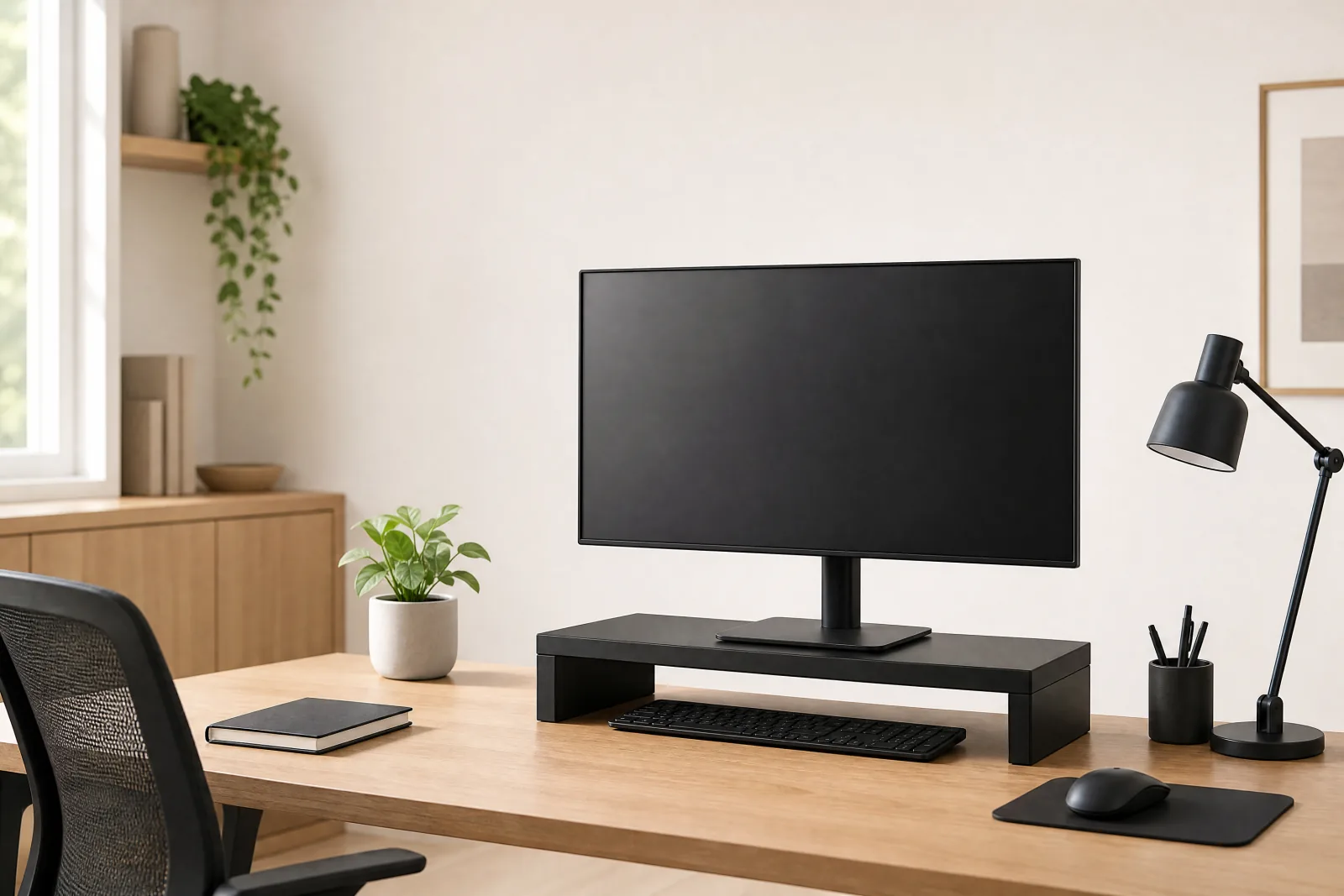
The Best Monitor Stand Risers of 2026, Reviewed & Compared
Best monitor stand riser compared: HUANUO's adjustable riser, Simple Trending's 2-tier drawer stand, and Klearlook's foldable 55 lb model.
Looking for something else?
We refresh prices weekly and publish new reviews every week.