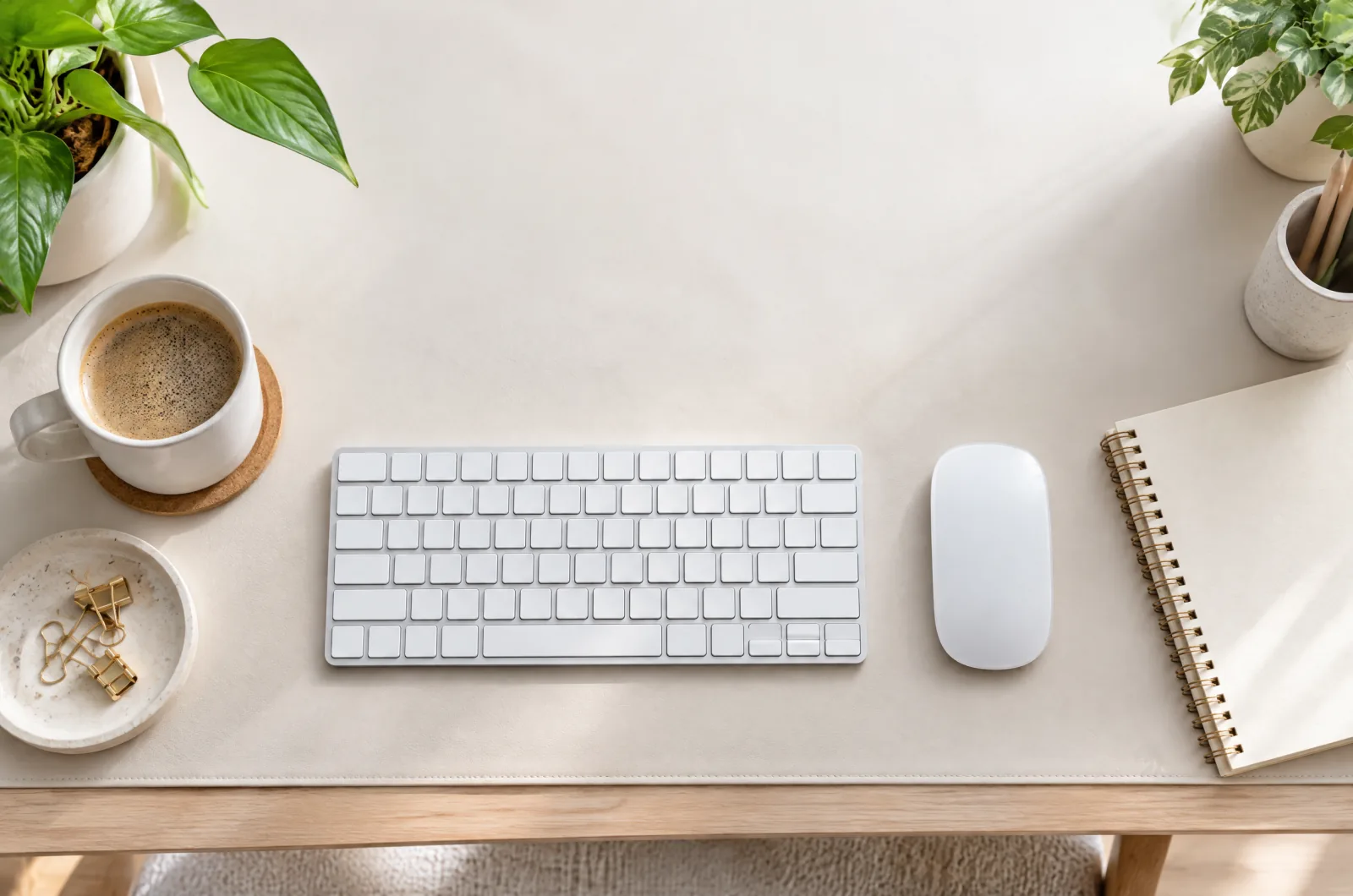
Guide
Home Office Setup Checklist: 6 Upgrades in Order of Impact
First home office? Buy in this order—desk, chair, monitor, lighting, keyboard and mouse, then cable management—for the biggest comfort gain per dollar.
10 min read

Sometimes you don't need the best single product — you need to know what a complete setup looks like. These guides cover whole scenarios, from a first home office to a desk that fits a tiny apartment.
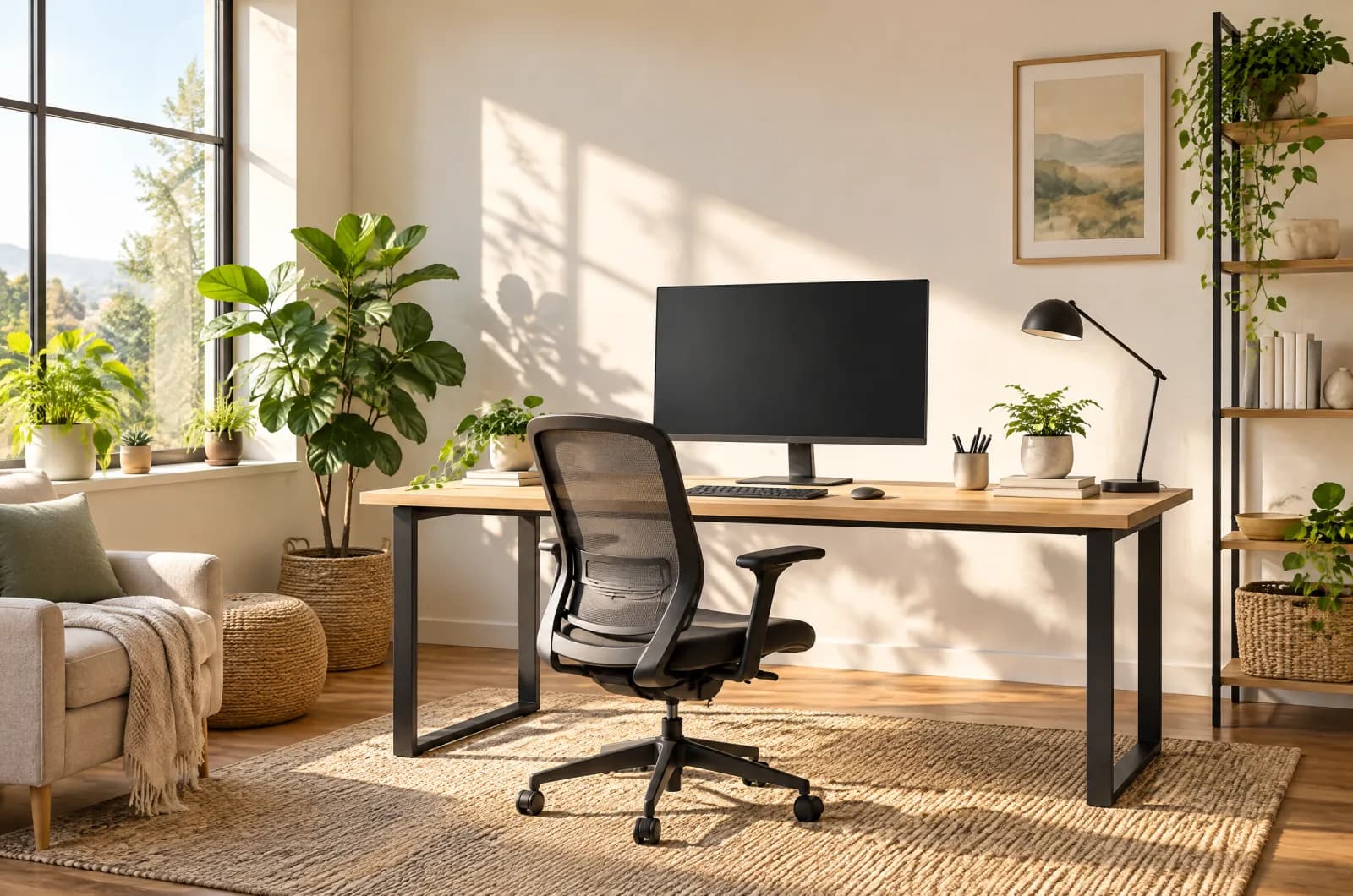
First home office? Buy in this order—desk, chair, monitor, lighting, keyboard and mouse, then cable management—for the biggest comfort gain per dollar.
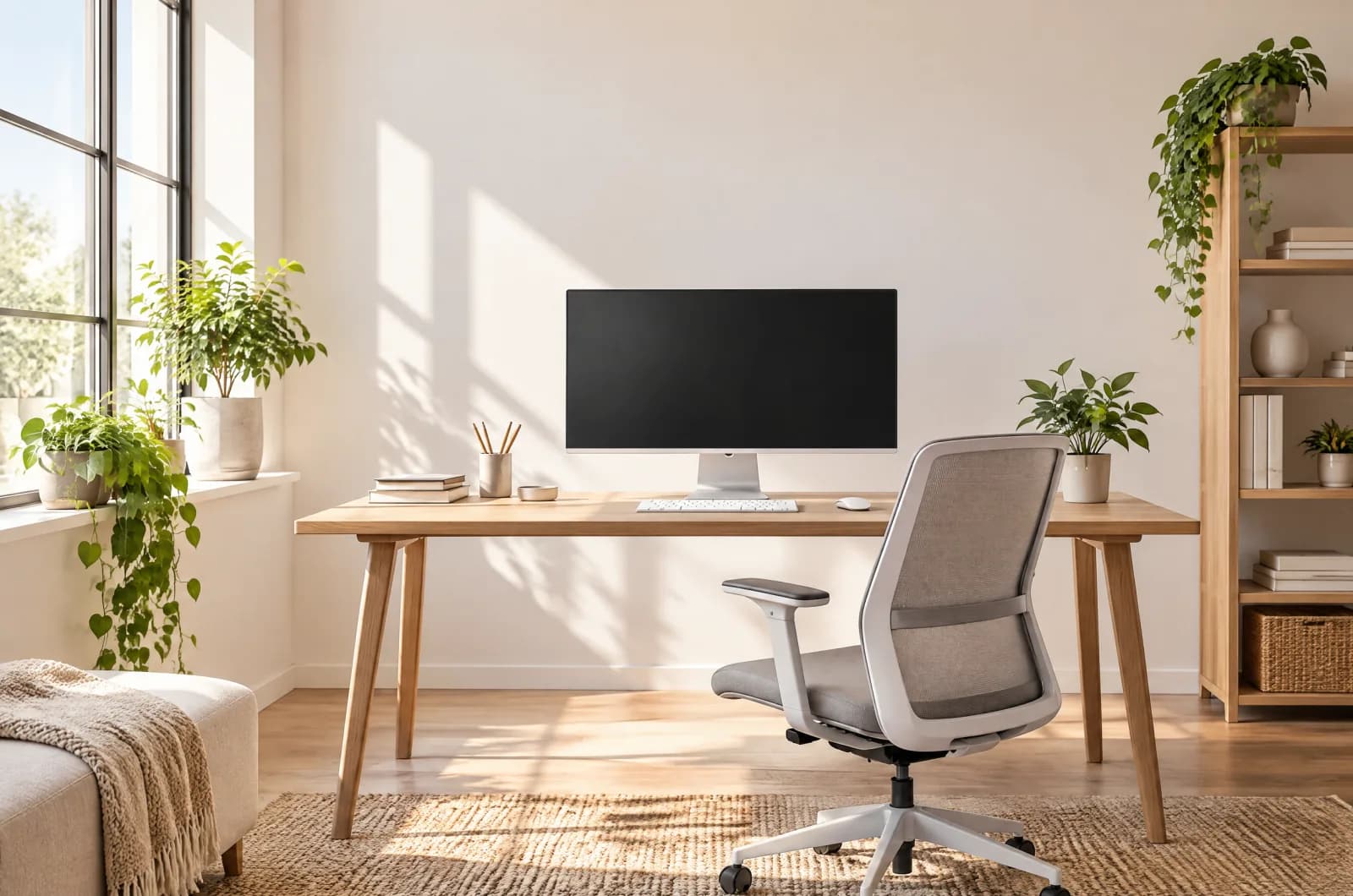
Tiny room desk ideas: compact standing desks, risers, laptop stands, dual monitor arms, and cable tricks that reclaim floor space without feeling cramped.
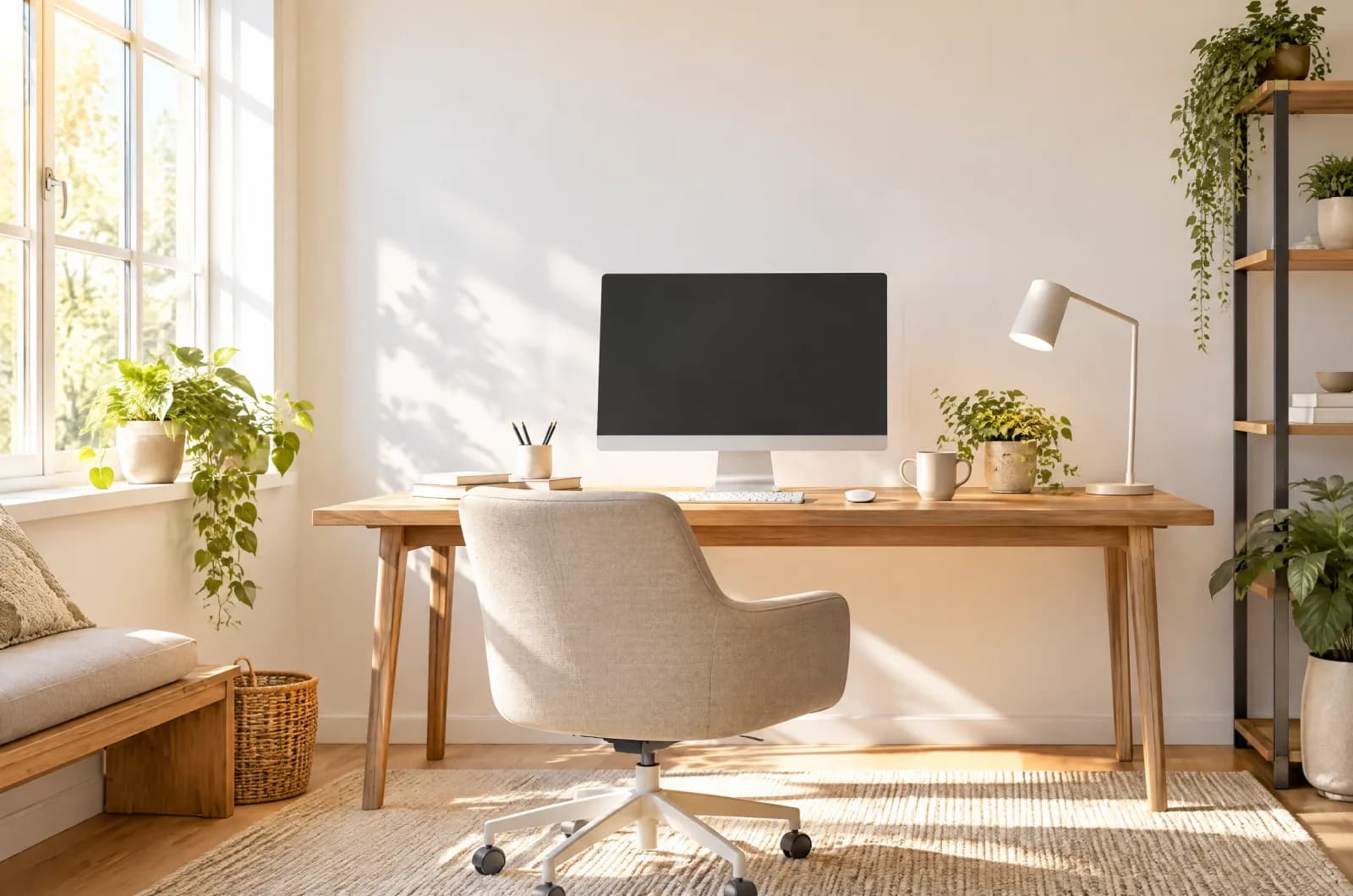
New to working from home? Start with webcam, keyboard, mouse, footrest, USB-C dock, and basics that make video calls and daily typing less painful.
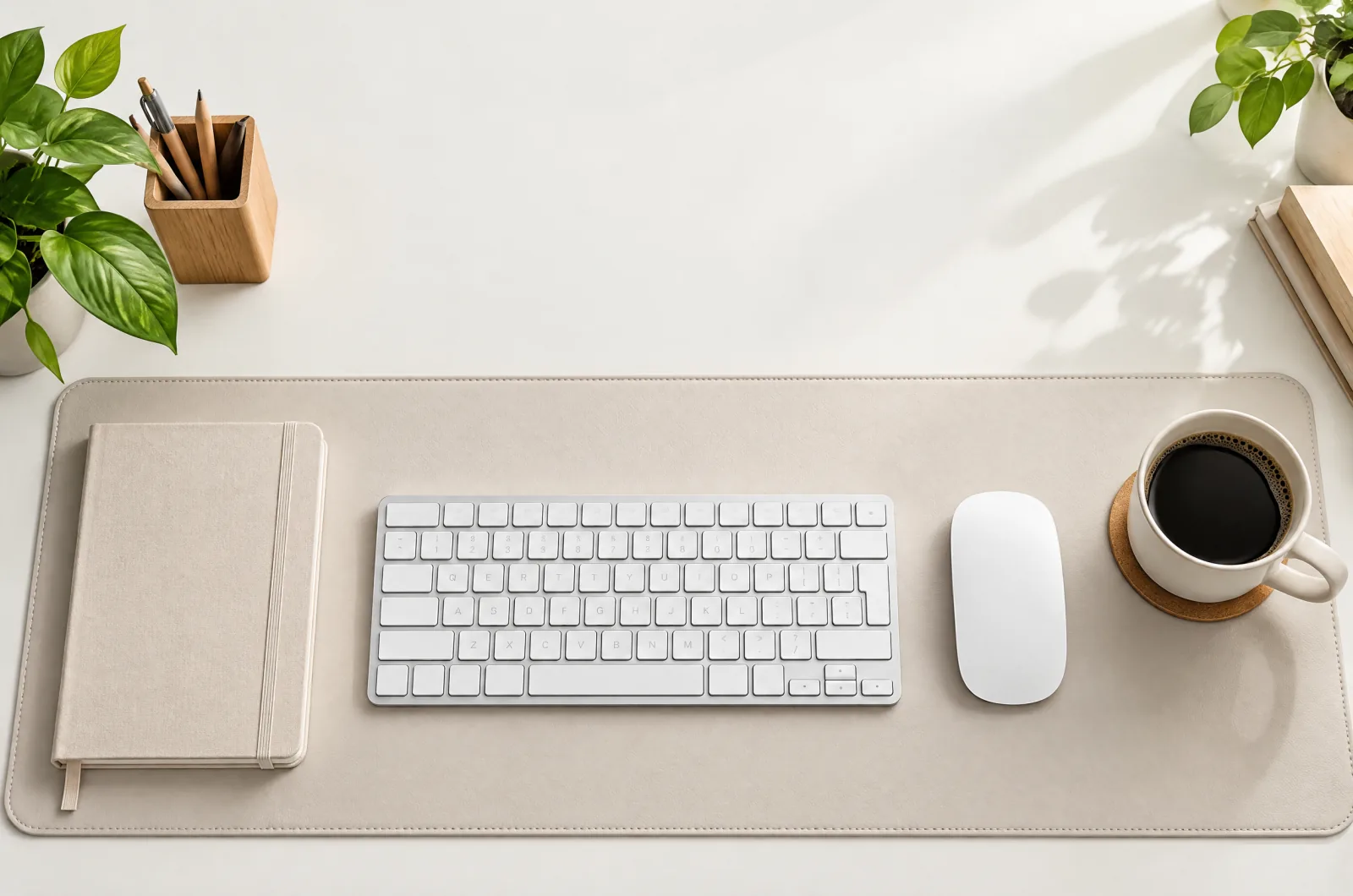
Ergonomic desk setup checklist for chair, monitor, keyboard, feet, and lighting—general comfort guidance, not medical advice.
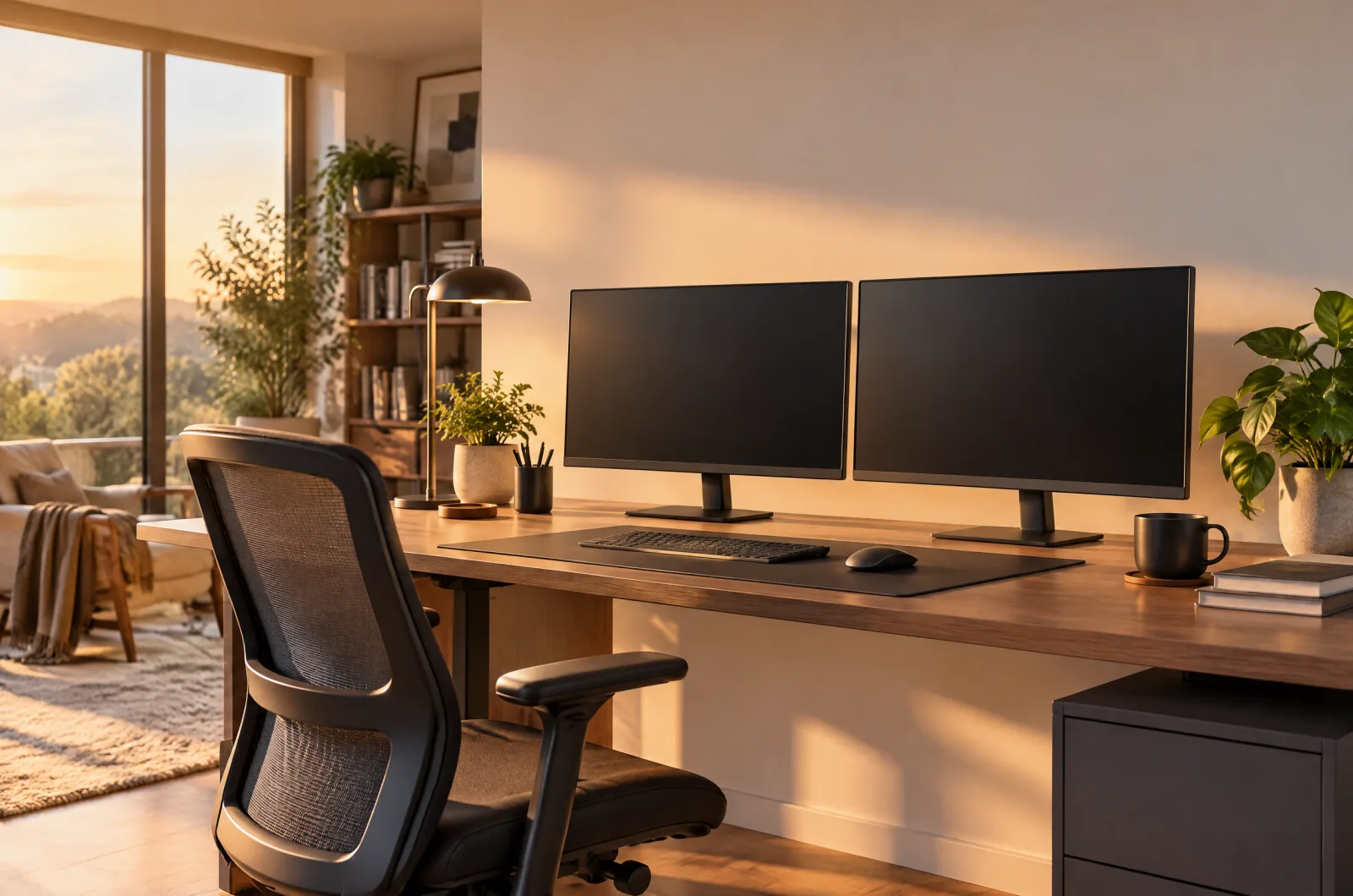
Learn how high a monitor should be for desk work—eye level, viewing distance, and when monitor arms or laptop stands help, without chasing perfect numbers.
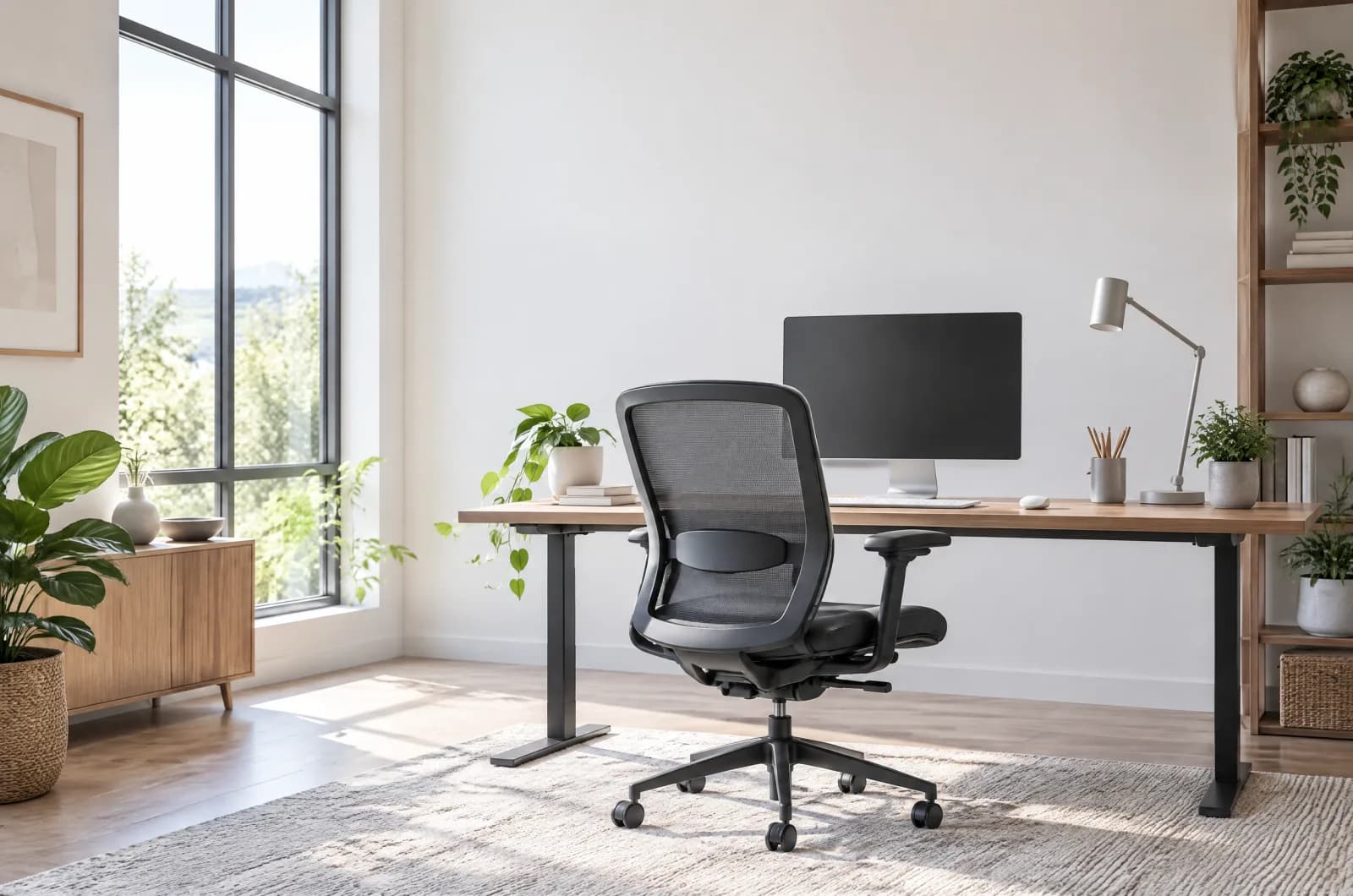
How to choose an ergonomic chair: lumbar support, seat height and depth, armrests, mesh vs cushioned seats, and weight ratings—based on specs, not hype.
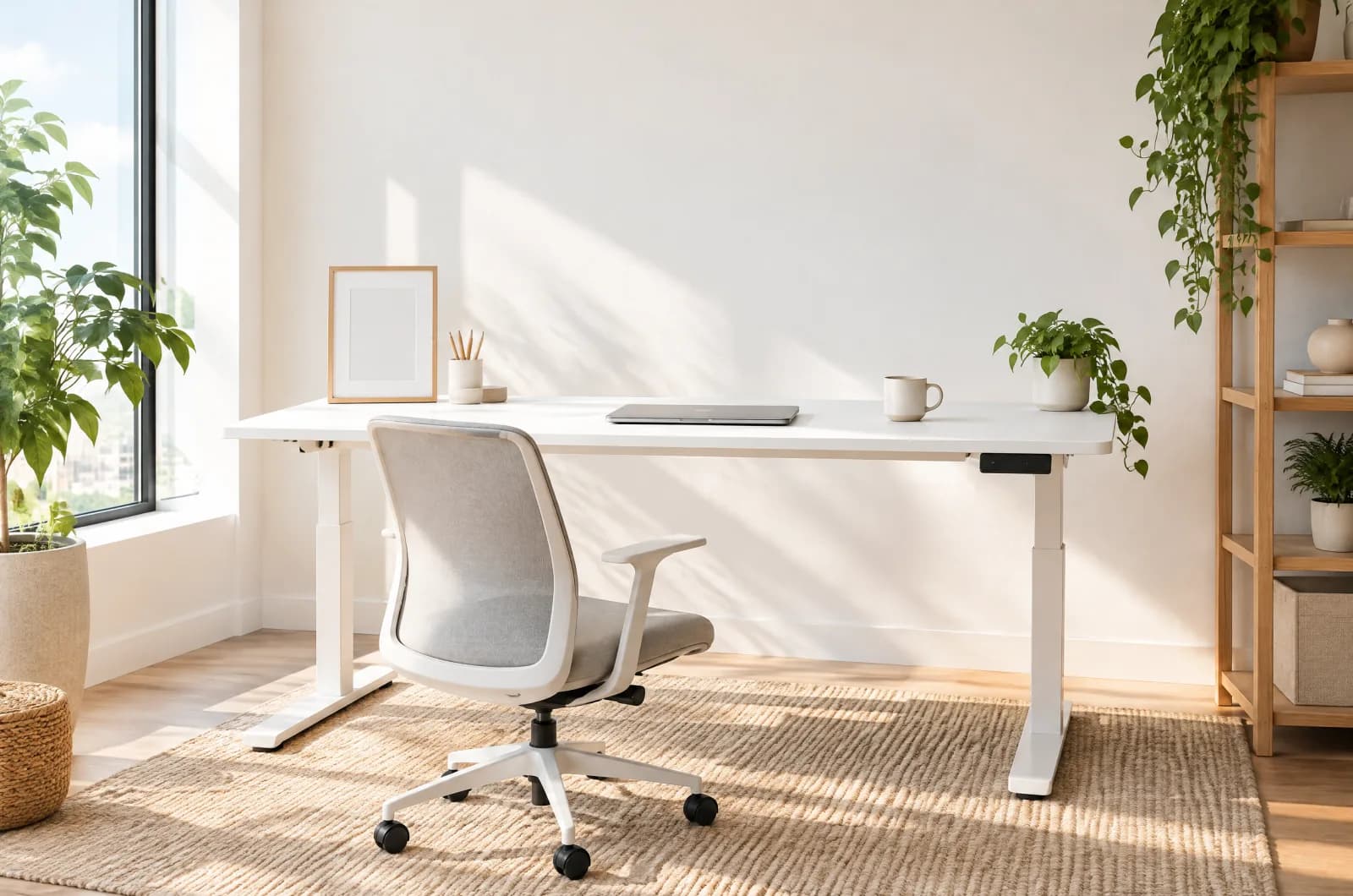
How tall should a standing desk be? Use elbow-height setup, compare electric desk height ranges from listings, and when a converter beats a full frame.
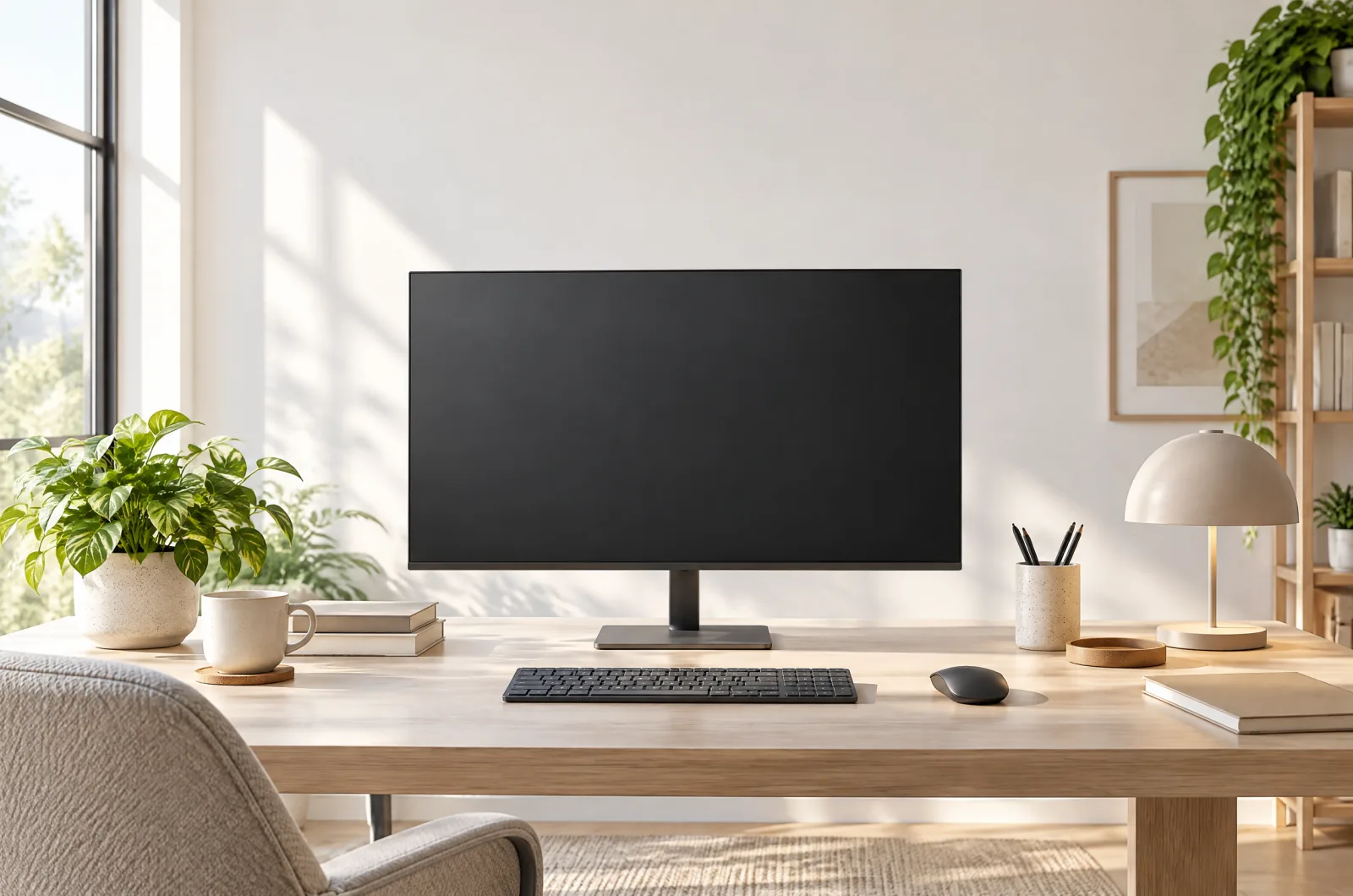
Dual monitor setup guide: mount arms, align panels, route cables, pick a USB-C dock—and read macOS mirroring limits on hubs before you expect two desktops.
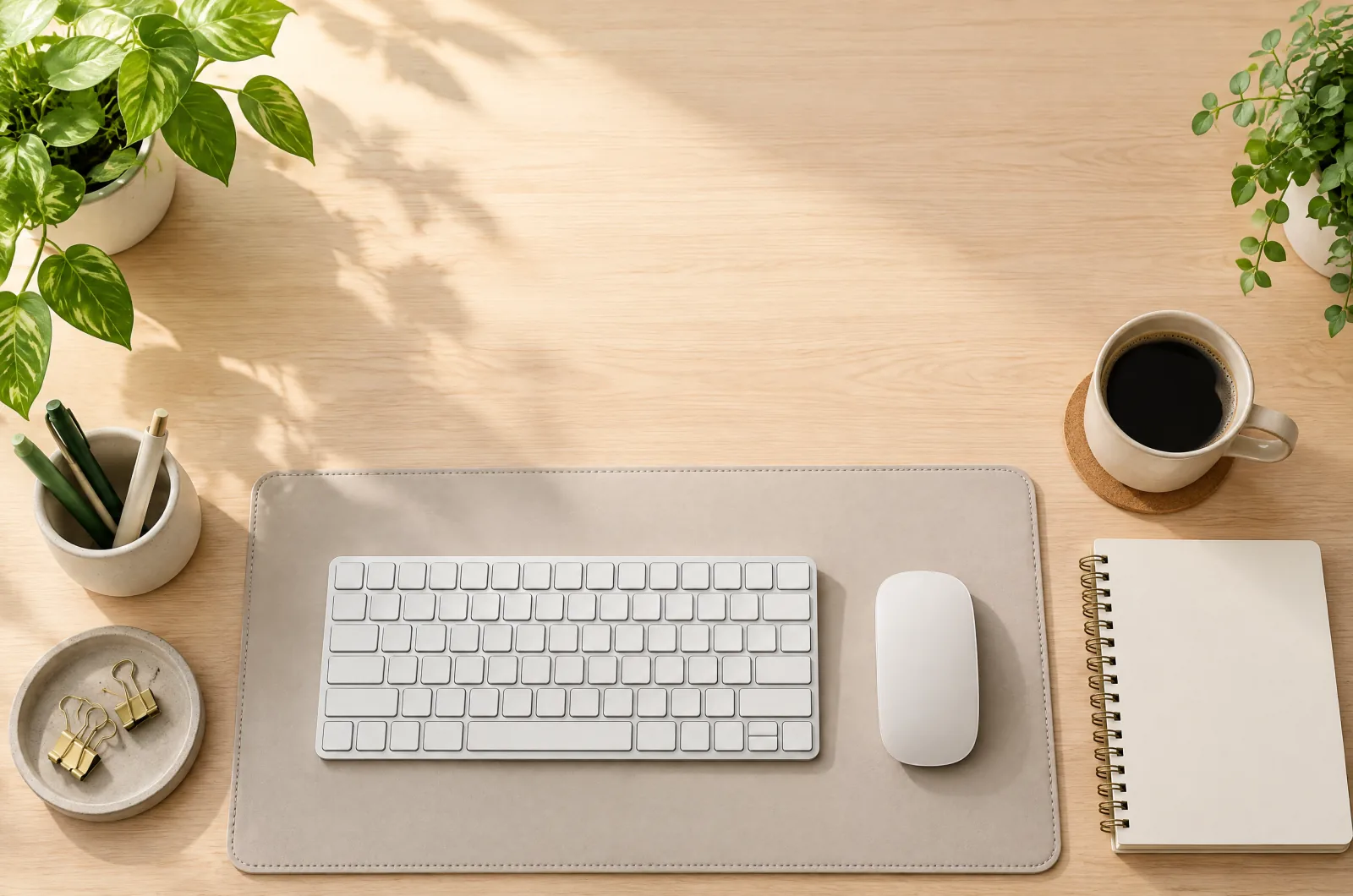
Budget home office gifts—desk accessories such as webcams, lights, mats, footrests, cable trays, and mice that fit a stocking without wasting money.
Video call setup checklist: webcam placement, face lighting, framing, mic basics, background control, and a tidy desk so you look sharp on Zoom and Teams.