
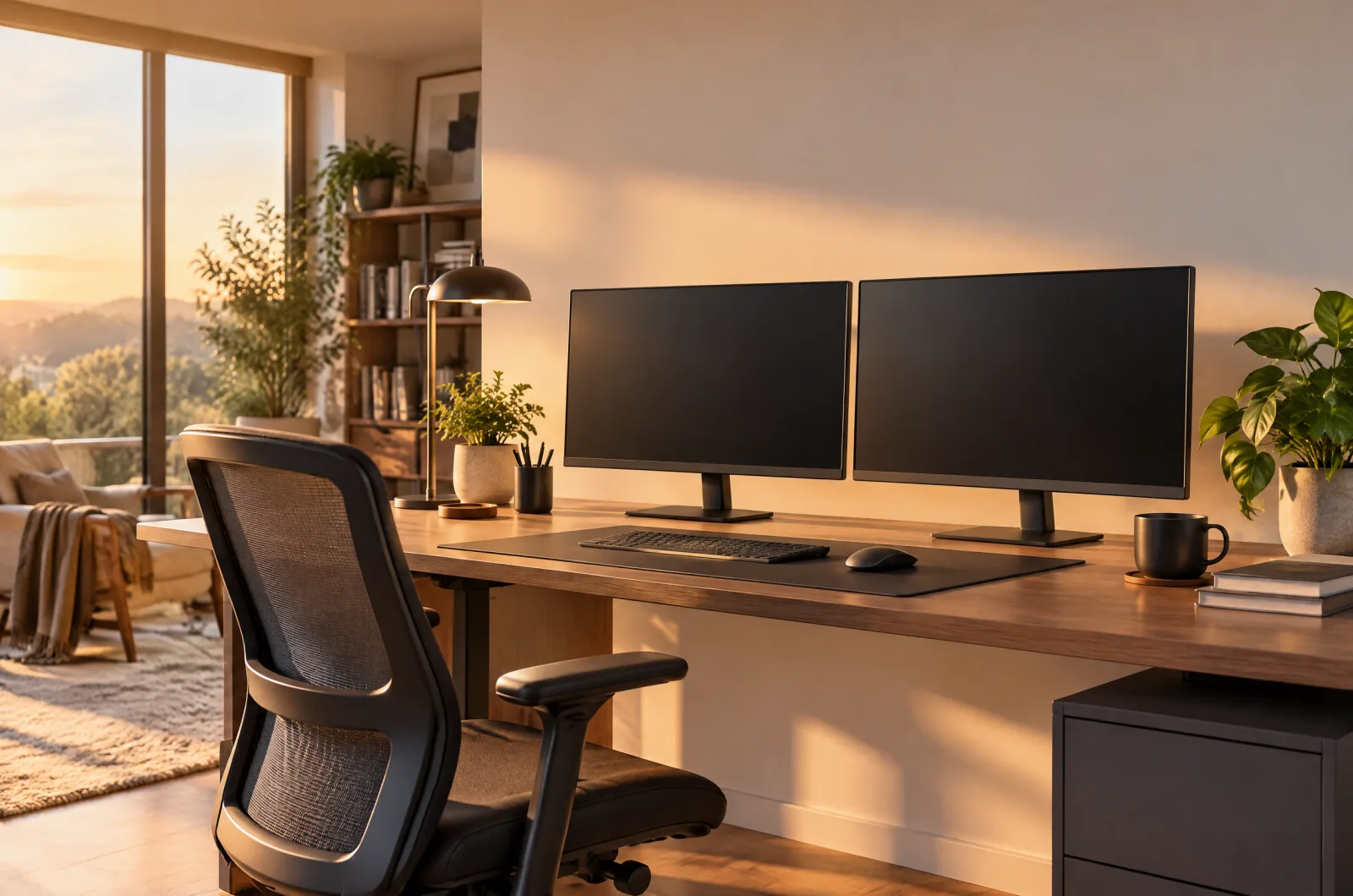
How High Should a Monitor Be? Eye-Level Rules That Actually Work
Disclosure: As an Amazon Associate I earn from qualifying purchases. This page contains affiliate links. If you buy through them we may earn a commission at no extra cost to you — it never affects which products we recommend. How we review
If you are searching how high should a monitor be, you probably already feel it—neck tightness after Slack marathons or headaches from craning toward a laptop on the desk. Small vertical changes matter more than upgrading resolution.
Conventional guidance for desktop work puts the top of the screen near or slightly below eye level so you look gently downward at the center of the panel. Distance and tilt still matter, but height is the first adjustment to get right. Progressive lens wearers may need the panel a touch lower—adjust in small steps.
Use eye level as the anchor, not the bottom bezel
Sit in your normal work posture and close your eyes. When you open them at a natural gaze, the horizontal line should land near the top third of the monitor. That keeps the task bar and document center in a comfortable down-gaze instead of an upward neck bend.
Laptops break this rule by default because the screen and keyboard are fused. Raising the laptop while using an external keyboard—or switching to a monitor—separates screen height from typing height, which is the whole point. Mark the current stand height with painter’s tape on the arm post if you share the desk—housemates reset panels without meaning to.
Keep roughly an arm’s length for most text work
Too close forces constant convergence; too far makes you lean forward to read small text. For typical 24 to 27 inch office monitors, an arm’s length is a workable starting point before you tweak scaling in the OS.
Higher-resolution panels let you increase scaling without losing clarity, which indirectly affects how close you sit. Match distance to font size, not to whatever cable length you have left. LG UltraFine entries in our catalogue specify 27 inch 4K IPS panels when you want sharper text without enlarging the physical footprint. Increase browser zoom before you move the monitor closer; distance and scaling interact more than people expect on 4K panels.
Tilt the panel slightly to kill glare
Once height is set, tilt the monitor so the surface is not a mirror for ceiling lights. A few degrees backward is usually enough; extreme tilt skews color on IPS panels and can make the top edge look darker.
If glare persists, fix lighting before buying a new display. A monitor bar or repositioned lamp often solves what looks like a bad panel. Anti-glare film is a last resort; tilt and lamp placement fix most reflections without softening text.
When factory stands are too short
Many bundled stands lift only a few inches. If you hit the max and still look up, you need more elevation—not a wider desk. Monitor arms clamp to the back edge and hold height independently of the factory foot.
Check arm listings for per-monitor weight ranges and VESA compatibility before ordering. Dual arms add flexibility but require both screens to fit the mount’s combined limits. Single-arm mounts rotate to portrait mode for code, but verify cable length before twisting a heavy panel.
HUANUO HNDS6 Dual Monitor Mount (White)
HUANUO’s HNDS6 white dual mount fits 13–32 inch screens up to 19.8 lb per arm with C-clamp or grommet mounting and gas-spring height adjustment for a clean two-monitor desk.
VIVO STAND-V002 Dual Monitor Mount
VIVO’s long-running STAND-V002 holds two 13–30 inch screens up to 22 lb each on VESA 75×75 or 100×100 plates, with a heavy-duty C-clamp for desks up to 3.25 inches thick.
ErGear Dual Monitor Arm
ErGear’s dual arm targets 13–32 inch screens up to 19.8 lb with tool-free VESA plates, up to 17.5 inches of height travel, and a 5-year warranty in the listing.
Laptop stands for hybrid setups
In a laptop-plus-monitor workflow, the external display should be primary at eye level while the laptop screen becomes secondary off to the side. A stand raises the built-in panel to a similar height gap without stacking books that slide.
Aluminum stands in our catalogue emphasize airflow slots and stable footprints for common laptop sizes. Foldable models store in a drawer when you travel back to the office occasionally. Stacking books under a laptop stand is fine temporarily; match left and right stack height so the hinge is not twisted.
Lamicall Adjustable Laptop Stand
Lamicall’s adjustable aluminum stand fits 10–17.3 inch laptops, folds for travel, and uses a enlarged base for stability with ventilation holes and silicone anti-skid pads.
SOUNDANCE LS1 Laptop Stand (Silver)
SOUNDANCE LS1 lifts laptops 10–15.6 inches by six inches on 5 mm aluminum, supports up to 8.8 lb, and assembles tool-free from three pieces for airflow and under-keyboard storage.
Nulaxy C3 Aluminum Laptop Stand
Nulaxy C3 supports 10–16 inch laptops up to 22 lb on 5 mm aluminum, elevates the screen about 7 inches, and uses an open-back design for cooling and tool-free reassembly.
Monitors with taller adjustment ranges
If you prefer to skip arms, pick displays whose stands explicitly adjust height, tilt, and pivot. Several 27 inch 4K entries in our table list height-adjustable stands and detailed port layouts for one-cable laptop setups.
USB-C models can charge laptops up to the wattage stated on the listing—verify against your machine so you are not carrying a second brick just because the monitor is taller. When one monitor is laptop-sized and one is 27 inch, align tops, not bottoms—your eyes follow the upper edge.
LG UltraFine 27UP850K
A 27-inch 4K IPS UltraFine with DisplayHDR 400, up to 95% DCI-P3, USB-C power delivery up to 90W, and a tilt/height/pivot stand for laptop-first desks.
LG UltraFine 27UP650K
A 27-inch 4K IPS UltraFine with DisplayHDR 400, up to 95% DCI-P3, HDMI and DisplayPort, and a tilt/height/pivot stand—without USB-C on the listing.
Dell UltraSharp U2723QE
Dell’s UltraSharp U2723QE delivers 27 inch 4K with IPS Black contrast, 400-nit brightness, and a USB-C hub with 90 W power delivery for professional desks.
Frequently asked questions
Should the monitor be perfectly level with my eyes?
Slightly below is the usual target: top edge near eye height, eyes landing on the upper third of the screen. Perfectly centered monitors often encourage upward neck tilt over long sessions.
Does monitor size change how high it should sit?
Larger panels occupy more vertical space, so you may need to lower the stand slightly to keep the top third near eye level. Size changes distance preferences too—adjust both together.
Can I use only a laptop if I raise it?
Raising the laptop plus an external keyboard is a valid short-term fix. For daily work, a dedicated monitor usually makes alignment and scaling simpler.
Keep reading
Small Apartment Desk Setup: 7 Space-Saving Ideas That Work
Tiny room desk ideas: compact standing desks, risers, laptop stands, dual monitor arms, and cable tricks that reclaim floor space without feeling cramped.
How to Set Up Dual Monitors: Arms, Docks, Alignment & macOS Limits
Dual monitor setup guide: mount arms, align panels, route cables, pick a USB-C dock—and read macOS mirroring limits on hubs before you expect two desktops.
The Best Dual Monitor Arms of 2026, Reviewed & Compared
Best monitor arm for dual monitors: gas-spring, budget pole, and tool-free VESA mounts compared for size, weight, and desk clamp fit.