
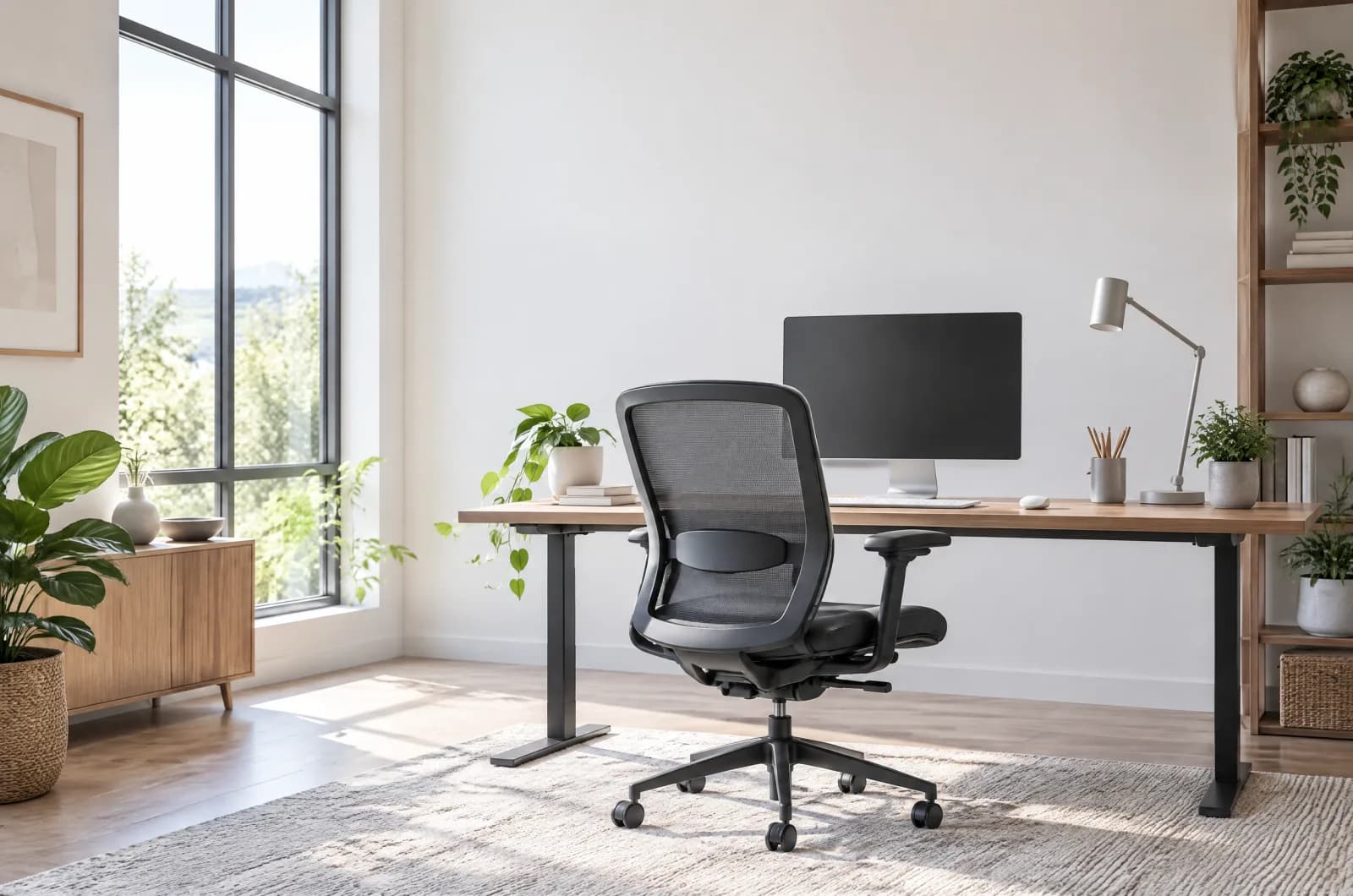
How to Choose an Ergonomic Chair: 5 Things to Adjust Before You Buy
Disclosure: As an Amazon Associate I earn from qualifying purchases. This page contains affiliate links. If you buy through them we may earn a commission at no extra cost to you — it never affects which products we recommend. How we review
Ergonomic chair shopping turns into alphabet soup—lumbar, synchro-tilt, 3D arms—while the real question is whether the chair adjusts to your frame. A expensive seat with locked armrests can feel worse than a simpler mesh chair that lets you move.
Use this guide as an adjustability checklist before you read marketing blurbs. Compare seat height ranges, lumbar mechanisms, arm types, and weight ratings in each listing against your desk height and body size.
Lumbar support should move, not just exist
Fixed lumbar bumps hit the wrong spine segment on many bodies. Look for height-adjustable or depth-adjustable lumbar pads on the listing, especially if multiple people share the chair.
Mesh backs often integrate flexible lumbar zones; upholstered chairs may rely on padded bolsters with less fine tuning. Neither guarantees comfort—adjustability range matters more than buzzwords. CLOUVOU and Staples Dexley entries in our table illustrate mid-tier options with published seat ranges worth comparing to your inseam. Sit test for ten minutes in socks, not just a quick bounce in store shoes—seat pan pressure shows up after sustained contact.
Seat height and depth set leg circulation
Seat height should let your feet rest flat with thighs roughly parallel to the floor. If the listing publishes a height range—many of our chairs quote spans near 17 to 22 inches—compare it to your desk and inseam before ordering.
Seat depth is harder to adjust on budget chairs. Too deep presses the front edge into your calves; too shallow reduces thigh support. When depth slider is absent, favor seats near 18 to 20 inches wide if you are average height and check reviews mentioning leg pressure. TRALT’s listing quotes seat width near 19.7 inches and height near 17.7 to 21.7 inches as a concrete example. Arm caps that rotate inward can support forearms during mouse work; flip-up arms cannot, which matters if you mouse close to the body.
Armrests must clear the desk when you tuck in
Armrests that do not adjust height or width force you to shrug or sit forward. 3D armrests pivot and slide; flip-up arms get out of the way for guitar players or narrow desks but offer less support during typing.
Measure desk underside clearance if armrests are wide—some gaming-style chairs cannot slide fully under standard 29 inch tables. Mesh seats with pronounced waterfall fronts reduce thigh pressure when seat depth is fixed.
Mesh versus cushioned: breathability vs softness
Mesh excels in warm rooms and long sessions where sweat matters; cushioned seats feel softer initially but can run hot. Amazon Basics’ Ergonomic Executive Chair in our table targets buyers who want bonded leather padding and flip-up arms for desk clearance instead of full mesh airflow.
Mesh seat edges can feel firm—reviewers on several mesh listings mention adding seat cushions for eight-hour days. Bonded leather executive chairs draw mixed comments on lumbar effectiveness and upholstery durability; plan a pad if you know you prefer plush seating. Gas lift class ratings in listings describe cylinder testing claims—still inspect for wobble after assembly regardless of badge text.
Amazon Basics Ergonomic Executive Chair
Amazon Basics bonded-leather executive chair with flip-up arms, adjustable height and tilt, lumbar support, and a 275 lb weight limit for padded home-office seating.
SIHOO M57 Ergonomic Office Chair
SIHOO’s M57 mesh chair combines 3D armrests, adjustable lumbar, and a headrest with BIFMA-certified construction rated for 330 lb users.
Match weight ratings and base materials to daily use
Listings advertise capacities from about 300 to 400 pounds with different base constructions—aluminum, nylon with metal cores, or heavy-duty nylon. Higher ratings matter for big-and-tall users or dynamic sitting habits.
Certifications like BIFMA appear on several chairs in our catalogue as component-level testing claims, not a guarantee the whole chair fits you. Still treat them as a baseline quality signal compared with unnamed gas lifts. Headrests help when you take calls reclined; skip them if you never leave upright typing posture.
Fizzin Ergonomic Office Chair
400 lbs capacity makes this the strongest chair in this price range. Adjustable lumbar, breathable mesh, and thick cushion.
TRALT Ergonomic Desk Chair
TRALT’s mesh desk chair offers adjustable lumbar, flip-up arms, a 330 lb metal-core base, and BIFMA Class 3 gas lift for long home-office sessions.
CLOUVOU BrightSeat Black
CLOUVOU’s BrightSeat mesh ergonomic chair with adjustable lumbar, headrest, and 4D arms, marketed for users up to 6.5 ft and sold under a hype-heavy Amazon title.
Budget tiers without pretending one chair fits all
Entry-level mesh chairs often provide height and rocking with basic lumbar curves—fine for light use. Mid-tier models add adjustable lumbar, better bases, and flip-up or 3D arms. Premium upholstered task chairs trade breathability for padded consistency and longer warranties.
Sweetcrispy’s entry in our table illustrates the light-use tier: elastic mesh, pneumatic height, and limited adjustability called out in the listing. SIHOO’s M57 adds 3D arms and headrest features for users who want more knobs. Budget chairs with limited reviews still work for short sessions; match purchase to actual hours at the desk.
Sweetcrispy Office Chair
Sweetcrispy’s mid-back mesh chair delivers basic swivel, height adjustment, and lumbar support for spare rooms, students, and light daily desk use.
SIHOO M57 Ergonomic Office Chair
SIHOO’s M57 mesh chair combines 3D armrests, adjustable lumbar, and a headrest with BIFMA-certified construction rated for 330 lb users.
Staples Dexley Mesh Task Chair
Staples’ Dexley high-back mesh task chair with adjustable lumbar, headrest, and tilt controls, rated for 275 lb and 5–10 hours of daily office use.
Frequently asked questions
Do I need a headrest for ergonomic office work?
Helpful if you recline for calls or reading, optional if you sit upright while typing. Prioritize seat height range and lumbar adjustability first; add headrest features if you already hit the backrest during breaks.
Are flip-up armrests bad?
They save space and work for users who do not rely on forearm support while typing. They are a compromise versus 3D arms—choose based on desk width and whether you share the chair with a keyboard-heavy workflow.
How do I know if a chair will fit my desk height?
Compare the listing’s seat height range to your desk underside clearance with arms lowered. If your desk is fixed and high, you may need a footrest even with a good chair.
Keep reading
The Best Budget Ergonomic Office Chairs in 2026, Reviewed & Compared
Budget ergonomic office chairs with mesh backs, lumbar support, and the adjustability each tier allows—verified against current listing specs.
The Best Ergonomic Office Chairs on a Mid-Range Budget in 2026, Reviewed & Compared
Ergonomic office chairs in the mid-range tier with mesh, lumbar, and headrest options—ranked from listing specs and owner feedback.

Home Office Setup Checklist: 6 Upgrades in Order of Impact
First home office? Buy in this order—desk, chair, monitor, lighting, keyboard and mouse, then cable management—for the biggest comfort gain per dollar.